Use your desk
like a
Sit. Stand. Stop. Save your favorite heights. All from your iPhone.
- Works with IKEA IDÅSEN
- Local Bluetooth control
- Siri and Shortcuts ready
- Open source
- Free
- No account or cloud
- No tracking
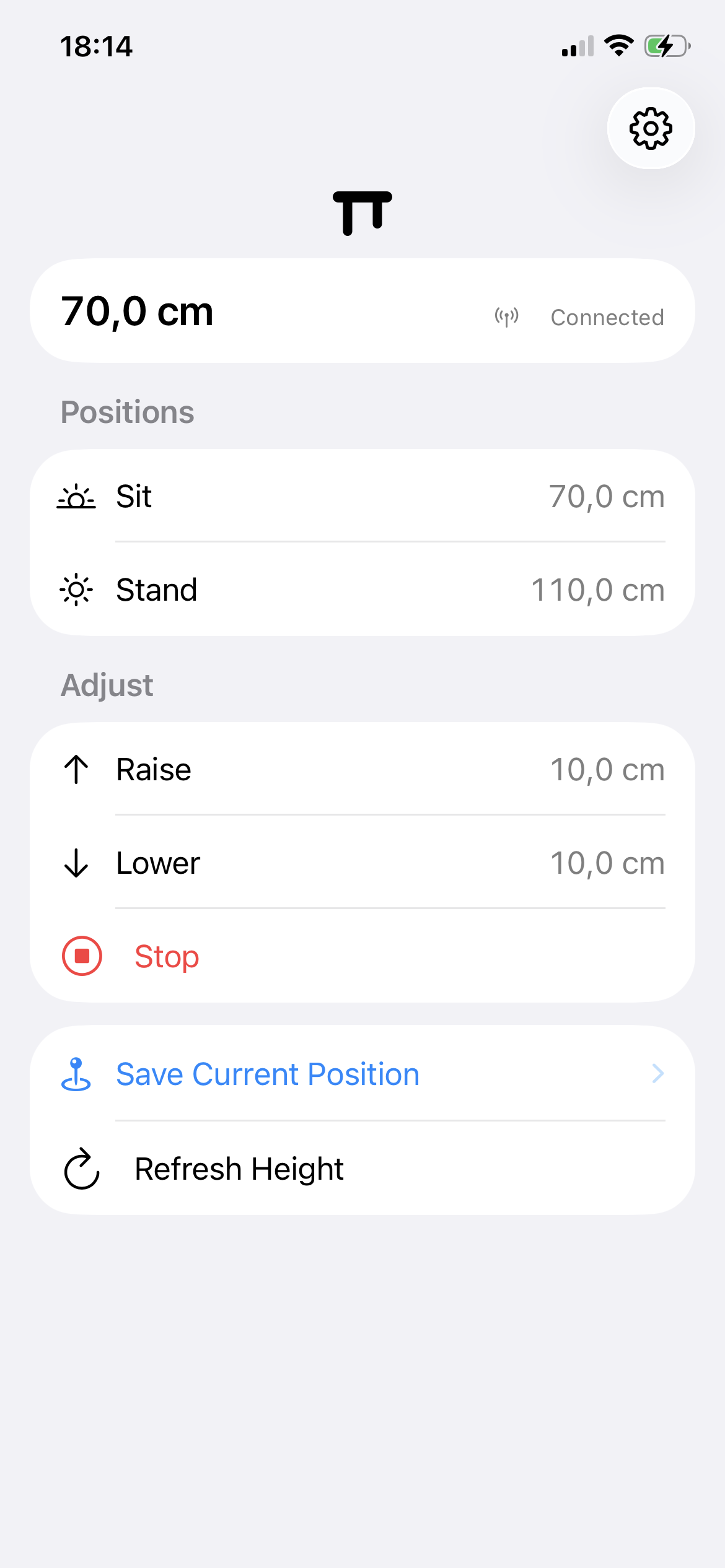
Sit. Stand. Done.
One desk. Two heights.
Zero drama.
All the controls you need, nothing you don't. No account, no subscription, no bloat. I made the app I wanted, and you can have it, too.
Save your spots. Sit and Stand stay one tap away.
Move on command. Raise, lower, or stop immediately.
Ask Siri. Check the height without touching a thing.
Everything you need. That’s it.
The controls make sense before you read the manual.
Private by default
Your desk data is none of my business.
No analytics. No advertising. No tracking. No server. The app talks directly to your desk over Bluetooth.
Read the plain-English privacy policyOpen source
Don’t take my word for it. Read the code.
The iPhone app, Raycast extension, Bluetooth helper, tests, and safety rules are public.
View the source on GitHubBefore you download
Made for IKEA IDÅSEN.
Standing Desk speaks the LINAK Bluetooth protocol used by the IKEA IDÅSEN desk. IDÅSEN is verified; other LINAK-based desks may also work. It does not fit every sit-stand desk, and setup only offers desks the app recognizes. Keep the physical desk controller within reach whenever the desk moves.

Your desk is ready.
Are you?
Use your desk like a Wizard.
Get Standing Desk